Offline
Application update packages for off-line updates can be downloaded as “.zip” file and sent by e-mail or CD-ROM to off-line sites.
Important: Only download the off-line updater package corresponding to the currently installed version (see About -> Version), the update will fail otherwise!
Running the off-line update:
1.Extract all files in the *.zip package to a folder on your hard drive. Consider procedures described in README.tx0074
2.Run the executable file XpertUpdater.exe
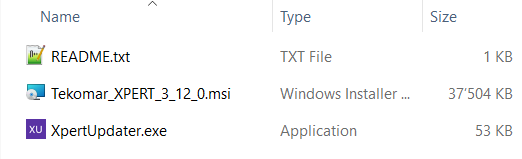
Make sure to allow elevated privileges if prompted for:
•XpertUpdater.exe (will execute application update)
Alternatively, you can always install a new application version using a new installer package, after having uninstalled the existing version (data will be preserved but consider running a backup the Export -> Save as function).
Note: Find latest .msi installer and application update packages always here: http://www.tekomar.com/software.
For Configuration updates go to Main window -> Add.